Free Booking

Book Your Free
Support Appointment

3 simple steps to schedule your free tech support session. No payment required — book now, pay only if you choose a plan later.
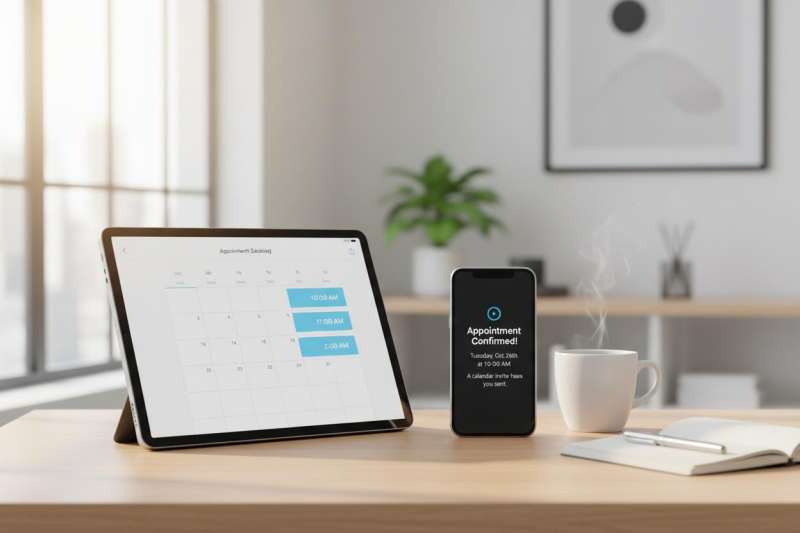
Book appointment
1
Device & Service
2
Schedule
3
Your Details

Step 1: Choose Your Device & Service

Select the device type and the service you need help with.

Which device needs support?
💻
Computer / Laptop
🖨
Printer / Scanner
📱
Mobile Phone
📡
Tablet / iPad
🌐
Network / WiFi
🔌
Multiple Devices
What service do you need?
🔧Repair & Fix
🛡Virus & Malware Removal
Software Installation
💾Data Backup & Recovery
📈Performance Optimization
🔨Setup & Configuration
🔐Security Audit
💭General Consultation
How urgent is this?
Standard
Within 24 hours
Free
Urgent
Within 4 hours
Free
Emergency
Within 1 hour
Free

Step 2: Pick Your Date & Time

Choose a date from the calendar and an available time slot.

Available Time Slots

Step 3: Your Details

Fill in your contact information so we can reach you.

Personal Information
Additional Information
✓ Booking is completely free. No credit card required.

Booking Summary

DeviceNot selected
ServiceNot selected
PriorityStandard
DateNot selected
TimeNot selected
Name-
Phone-
What Happens Next
1. Free booking confirmed instantly
2. Expert contacts you at scheduled time
3. Remote diagnosis — completely free
4. Pay only if you choose a plan